

Live Assist Overview
Live Assist transcribes legal conversations in real time and cross-references what is said against your uploaded documents. When statements contradict prior testimony, contracts, or other records, Live Assist flags the discrepancy in a side panel with exact source citations.
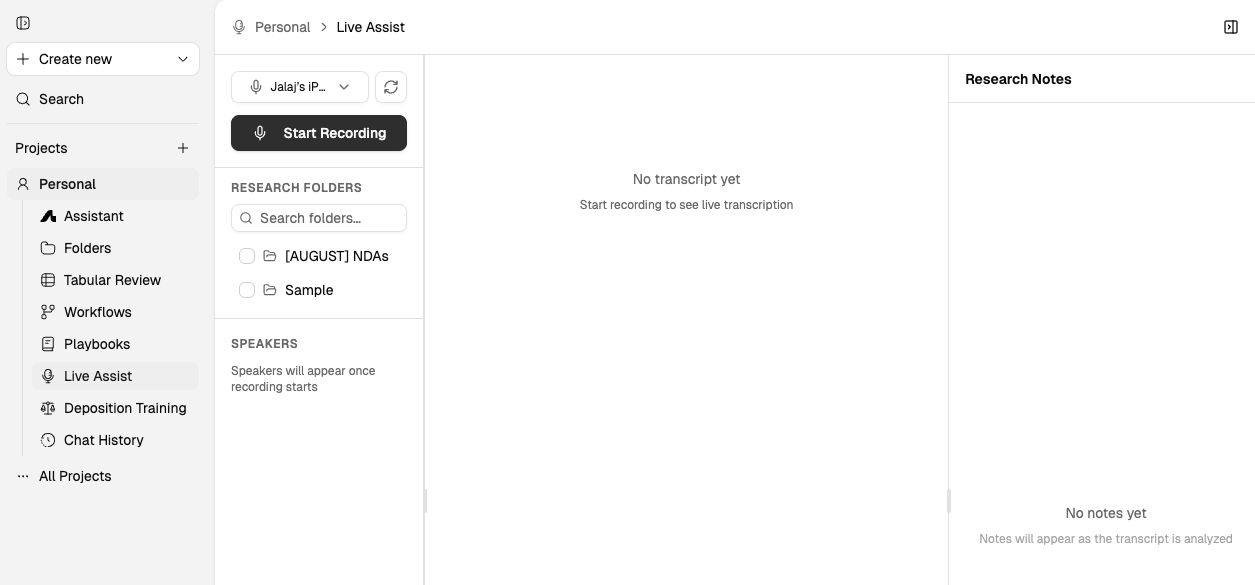
This video demonstrates how to use Live Assist for real-time transcription and cross-referencing.
What Live Assist is for
Live Assist helps you catch inconsistencies and key facts while a conversation is still happening, rather than discovering them later during review.
Use it for:
Depositions: Flag contradictions with prior testimony and get suggested follow-up questions while the deposition is underway.
Client calls: Capture commitments and cross-reference against contracts or prior call transcripts.
Witness prep: Identify inconsistencies between statements and prior declarations.
Settlement negotiations: Track positions and compare against earlier agreements.
Internal investigations: Monitor interviews against company policies and email productions.
Session Lifecycle
Live Assist runs across three phases: preparation before the session, live capture during the conversation, and post-session refinement.
Phase 1 — Pre-Session
Upload reference materials
Upload prior testimony, declarations, contracts, email productions, company policies, and prior call transcripts. Live Assist needs these documents to cross-reference against during the conversation.
Configure session
Set up speaker labels and any session-specific settings before starting.
Phase 2 — During Session
Start recording
Turn on Live Assist before the conversation begins.
Live transcript
Live Assist transcribes in real time with automatic speaker labels. Contradiction flags accumulate quietly in the side panel without interrupting the attorney's focus. Bookmark, pause, or resume at any point.
Phase 3 — Post-Session
Edit speakers
Review and correct speaker labels in the annotated transcript.
Export & re-use
Export the complete transcript with contradiction flags and citations. Feed into Tabular Review, timelines, or witness prep briefs.
What you need before you start
Live Assist needs documents to cross-reference against. Upload the relevant materials before turning it on:
Prior testimony or declarations
Contracts or agreements
Email productions
Company policies
Prior call transcripts
Confidentiality and security
Live Assist is built to respect attorney-client privilege and work product protections:
Audio is encrypted in transit using TLS 1.2+.
Audio is logically separated from other customers through August's single-tenant architecture.
Audio and transcripts are never used to train models — August has contractual agreements with all language model providers to not train on or retain user data.
August has no visibility into your inputs, uploads, or outputs.
User profiles are fully siloed unless you proactively share chats or create a shared workspace.
For the full security overview, see Security and Privacy Overview.
Your responsibility: recording consent
Compliance with local recording consent laws is your responsibility. Before using Live Assist, confirm that you have proper consent to record the conversation under applicable rules in your jurisdiction.
When to use Live Assist vs. other features
Use Live Assist when you need real-time cross-referencing during a live conversation. Use other features when the work does not require live transcription:
Use Assistant for research, analysis, and drafting without a live call.
Use Tabular Review when you need a structured comparison table across documents.
What to read next
Assistant Overview for the main workspace.
Security and Privacy Overview for data protection details.